
Chrome Extension
The Usertopia Chrome Extension is the "Observe" phase of the platform. It records user sessions to automatically generate test suites, and also supports a bug capture mode for quick bug reporting.
Installation
Download the Usertopia extension from the Chrome Web Store. For development, you can also load it as an unpacked extension.
Required Permissions
The extension requires the following permissions: webNavigation, debugger, storage, and tabs. These are needed to capture DOM events and network traffic during recording.
After installation, you will see the Usertopia icon in your browser toolbar. Click it to open the extension popup and begin recording or reporting bugs.
Recording a Session
Recording a session captures everything a user does on a web application. Follow these steps to create a recording:
-
1
Click the Usertopia extension icon
This opens the extension popup with recording controls.
-
2
Click "Start Recording"
A red indicator will appear, showing that the extension is actively capturing.
-
3
Interact with your web application naturally
Browse, click, type, scroll -- the extension captures it all in the background.
-
4
The extension captures everything
DOM events (clicks, inputs, scrolls with CSS selectors), network traffic (XHR/Fetch with method, URL, payload, status), timestamps, and page transitions.
-
5
Click "Stop Recording" when done
The recording is finalized and prepared for upload.
-
6
Session is automatically uploaded and processed
The session is compressed, uploaded to Usertopia, and AI analysis begins generating test suites.
What Gets Captured
During a recording session, the extension captures a comprehensive view of user interactions and application behavior.
| Data Type | Details |
|---|---|
| DOM Events | Clicks, inputs, scrolls with precise CSS selectors |
| Network | XHR/Fetch requests with method, URL, payload, response code |
| Navigation | Page transitions and URL changes |
| Timing | Timestamps for every event |
Privacy & PII Protection
Usertopia takes privacy seriously. The extension includes a built-in PII scrubber that runs locally in your browser before any data is uploaded.
Auto-detected & masked
- Credit card numbers
- Passwords and secrets
- Social Security Numbers
Data security
- No sensitive data leaves the browser
- Encrypted in transit (TLS)
- Encrypted at rest (AES-256)
Bug Capture Mode
In addition to full session recording, the extension has a dedicated bug reporting mode for quickly capturing and filing individual bugs.
-
1
Click the bug icon in the extension popup
This activates the element selection mode on the page.
-
2
Select an element on the page to report
Hover and click the problematic element. It will be highlighted.
-
3
The extension captures context automatically
URL, CSS selector, element HTML, page title, and viewport size are all recorded.
-
4
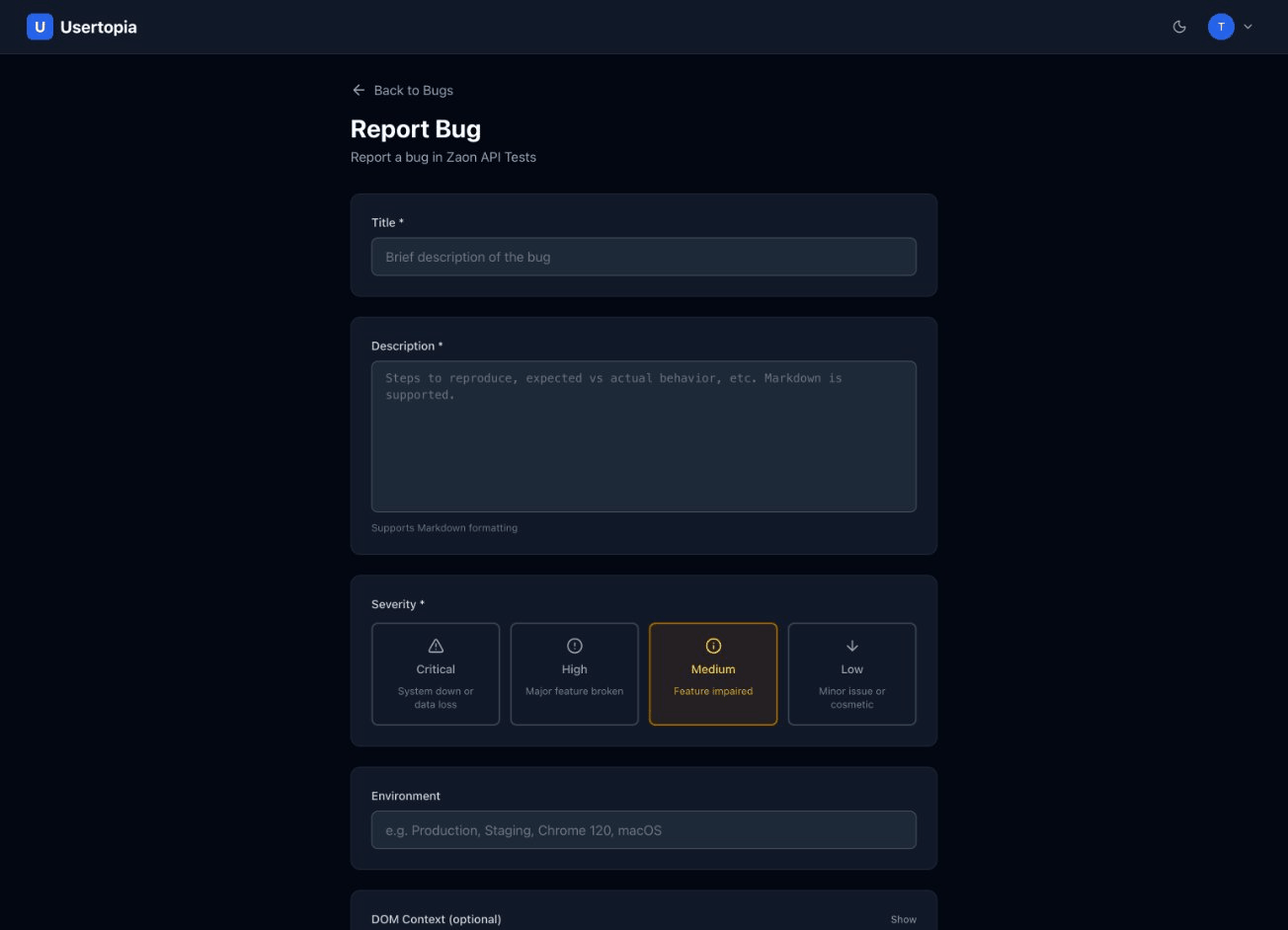
Add a title, description, and severity
Describe the bug and choose a severity level (low, medium, high, critical).
-
5
Bug is filed into your project's bug tracker
The bug appears in the Usertopia dashboard with full context and can be synced to Jira or Linear.
Session Bundle Format
Recorded sessions are packaged into a compressed bundle before upload. Here is what the bundle contains:
session_{uuid}.zip
  |- recording.har      # Full network traffic in HAR format
  |- events.json        # DOM events with CSS selectors and timestamps
  |- metadata.json      # Session info (URL, browser, viewport, duration)
Uploaded to secure S3 storage -- sessions are encrypted in transit and at rest.
24-hour retention in the ingestion bucket -- raw uploads are auto-deleted after processing.
Permanent storage in the assets bucket -- processed results are retained according to your plan's data retention policy.